Why Typing Speed Matters for School Now
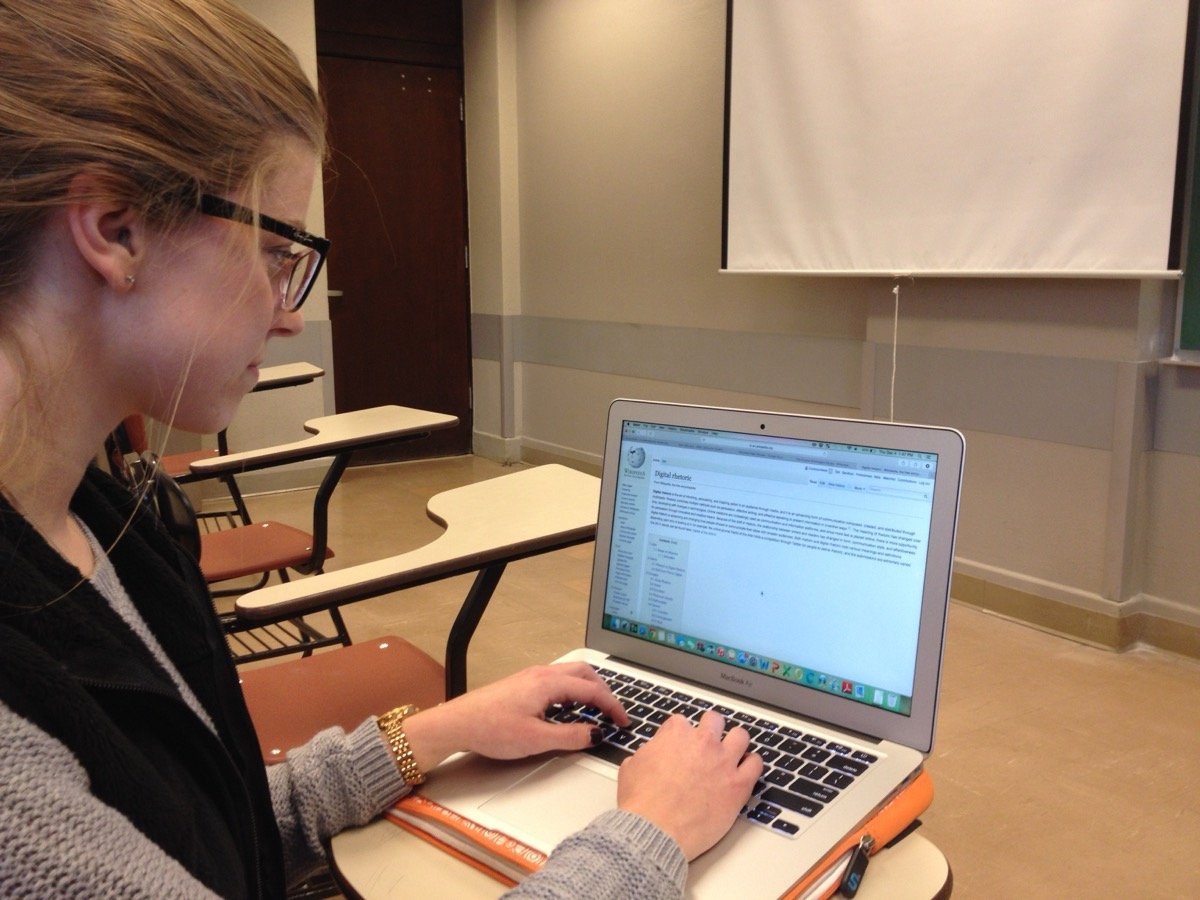
Most schoolwork today happens on a keyboard: typed essays, timed online quizzes, discussion posts, lecture notes typed in real time. A student who types slowly spends more of a timed test fighting the keyboard instead of thinking about the answer, and falls behind trying to capture notes while a teacher keeps talking. Typing speed isn't a party trick. It's closer to a basic literacy skill for how school actually works now.
Average Typing Speeds by Skill Level
Beginners typically type around 20 to 30 words per minute (WPM), hunting for keys and checking the screen often. The average adult types around 40 WPM. Proficient typists reach 65 WPM or higher, and professional typists, like transcriptionists, often hit 75 to 100+ WPM with high accuracy. Most students land somewhere between beginner and average, which leaves plenty of room to improve with a bit of regular practice.
Average adult: ~40 WPM
Proficient: 65+ WPM
Professional: 75-100+ WPM
What Touch Typing Actually Is
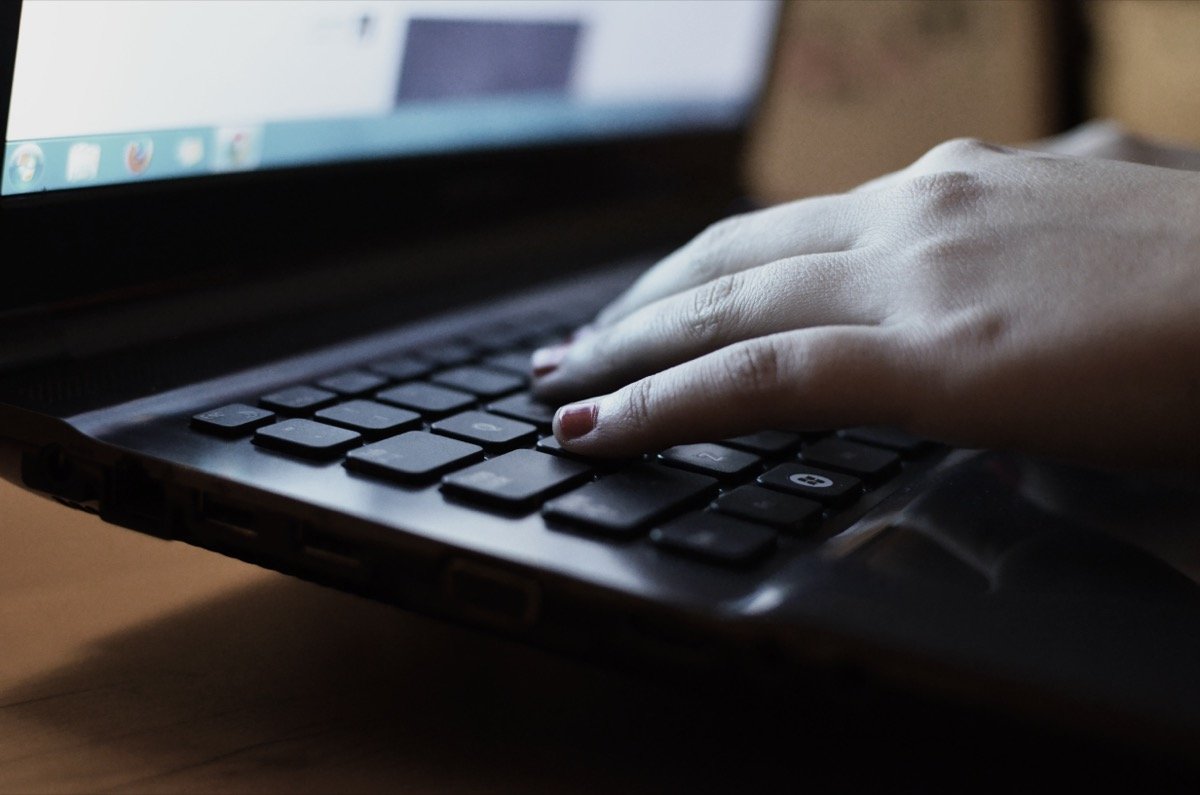
Touch typing means typing without looking at the keyboard, using muscle memory instead. It starts from the home row: left fingers rest on A, S, D, F and right fingers on J, K, L, semicolon, with each finger responsible for a fixed set of keys. Every key on the board has a "home" finger. Learning this mapping feels slow at first, but it removes the constant glance-down-and-back-up habit that caps most self-taught typists around 30 to 40 WPM.
Why Accuracy Matters as Much as Speed
A fast, inaccurate typist often loses more time than a slower, accurate one. Every typo means stopping, finding the mistake, backspacing, and retyping, which breaks your rhythm and adds up over a long document. Typing tests usually calculate a net WPM that subtracts errors from your raw speed, which is why chasing raw speed alone can actually lower your real score. Accuracy first, speed second, is the more reliable order to improve in.
Practical Drills and Habits That Help
Short daily practice beats occasional long sessions. Ten to fifteen minutes a day builds muscle memory faster than one hour once a week, because typing is a physical skill, not just a knowledge one. Sit with your wrists straight, not bent up or down, and keep your eyes on the screen, not your hands, even when it's tempting to peek. Good posture matters more than people expect: slouching over a laptop tightens your shoulders and makes reaching for keys like backspace or shift less precise, which quietly costs you accuracy.
Regular practice on a typing test tool, tracked over time, makes slow but steady WPM gains easy to see and stay motivated by. Try typing familiar text first, like a paragraph from a book you've already read, so you're building finger memory instead of also reading unfamiliar words for the first time. As the home row starts to feel automatic, branch out to the number row and punctuation, since those are what usually slow typists down once letters stop being the bottleneck.